The possibilities for targeting on Facebook are just about endless. Here's a brief guide to show you some of the target options on offer.
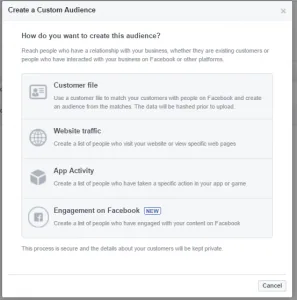
Audiences can be broken down into three main types:Custom Audiences - this is great when you want to reach people who already have a relationship with your business.
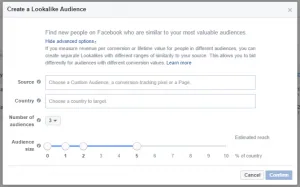
Lookalike Audiences - allow you to target people on Facebook who are similar to your most valuable audiences. E.g. People who are 2% similar to people who have converted on your page.
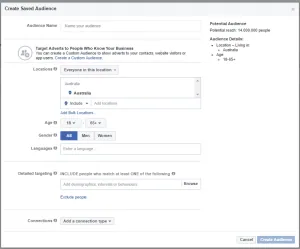
Saved Audiences - this where you can target people based on their location, age, gender, demographics, interests, behaviours, or connection to your Facebook pages.
You can use a combination of custom audience and lookalike audiences with saved audiences to ensure targeting is spot on for your advertising objectives.
Saved audiences tend to be used in conjunction with lookalike and custom audiences, so we'll run through the options on here.Locations: You can include or exclude people based on their location.
- Everyone in this location
- People who live in this location
- People recently in this location
- People travelling in this location
The bulk of the targeting options are under detailed targeting. The options here are demographics, interests and behaviours.http://www.contentharmony.com/blog/facebook-ad-targeting/Demographics:EducationEthnic AffinityFinancialGenerationHomeLife EventsParentsRelationshipWork